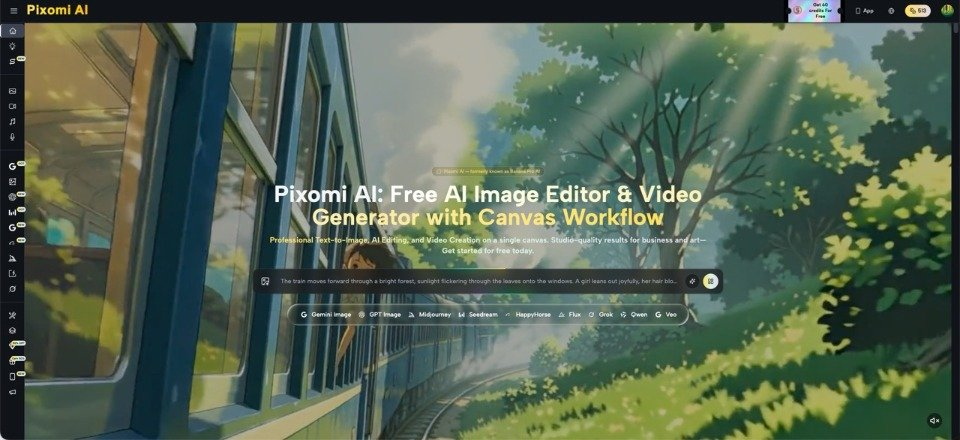
Construction teams often need to explain an idea long before every drawing, material choice, and engineering detail is complete. A contractor may want to show a client the mood of a renovated lobby. A product supplier may need an illustration of where a facade system belongs. A developer may be preparing an early presentation for a property concept. At this stage, the team needs something clearer than a paragraph but less formal than a final architectural rendering. Banana Pro AI supports text-to-image creation and image-to-image transformation, which makes it useful for exploring and communicating early visual directions. Its outputs should remain clearly separated from technical documents. They are not substitutes for BIM models, measured drawings, structural analysis, safety plans, or approved specifications. Used within that boundary, AI visuals help teams discuss appearance, atmosphere, and presentation before investing in detailed production.
Define the Question the Image Must Answer
A construction image becomes useful when it answers one clear question. “What will this project look like?” is usually too broad. Better questions include: “Which lobby atmosphere suits this office building?” “How should this roofing product appear in a homeowner brochure?” or “Which exterior material direction should the client review first?”
Imagine an architect discussing a small commercial entrance with a client. The floor plan is available, but the conversation has stalled around mood. One person imagines a warm entrance with timber and soft lighting. Another imagines a brighter space with stone and metal. Two concept images can make that difference visible.
Write the question at the top of the brief before generating anything. Then list the decisions that are still open and the facts that are already fixed. This prevents an exploratory image from quietly changing the building size, access arrangement, or other conditions that the team did not intend to discuss.
Prepare Inputs That Keep the Concept Grounded
The quality of an early visual depends on the quality of the brief. A vague request produces a vague result, while an overloaded request makes review difficult. Gather only the information needed for the current discussion.
- Separate Fixed Conditions From Visual Preferences
Fixed conditions might include the basic building type, number of storeys, approximate entrance position, existing surroundings, or the product being illustrated. Visual preferences might include daylight, material mood, planting style, viewpoint, and level of activity.
For example, a supplier showing wall cladding should keep the panel form and intended application clear. The surrounding building can remain conceptual. Marking this distinction helps reviewers understand which parts deserve technical scrutiny and which parts are simply presentation choices during the current project discussion.
- Use Reference Images With a Specific Purpose
A reference image should not be uploaded merely because it looks attractive. Decide what it is meant to guide. One photo may show the existing site. Another may show the desired lighting. A product image may establish the shape and surface that should remain recognisable.
When using image-to-image transformation, request limited changes first. Ask for a new material mood or a cleaner setting before changing the viewpoint and surrounding context. Small steps make it easier to identify when the output has moved too far from the reference.
- Describe Visible Construction Details in Plain Language
A useful prompt states what should be visible: “a two-storey neighbourhood clinic with a shaded entrance, light-colored exterior walls, a covered drop-off area, and planting suited to a warm climate.” It does not rely on broad phrases such as “innovative future-ready building.”
Include the intended audience and purpose only when they affect the composition. A client presentation may need a welcoming pedestrian view. A supplier brochure may need a closer view of the installed product. The image should support the decision being discussed, not attempt to display every aspect of the project.
Use Generated Images as Conversation Tools
With Banana Pro AI, a team can begin from a written description or transform an existing image according to a new visual instruction. For construction-related communication, this is most useful during concept comparison, presentation planning, and non-technical marketing preparation.
Suppose a developer is considering two atmosphere directions for an apartment sales lounge. The team can keep the room purpose and broad layout consistent while exploring different material tones and lighting. The images give stakeholders something concrete to discuss: which option feels more welcoming, which one matches the target buyers, and which details should move into a proper design brief.
Do not treat the selected image as an instruction to build. Record the comments it produces instead. A reviewer might prefer warmer lighting, fewer reflective surfaces, and clearer signage. Those decisions can then be passed to the architect, interior designer, renderer, or product specialist using the project’s normal documentation process.
Mark the Boundary Between Concept and Technical Evidence
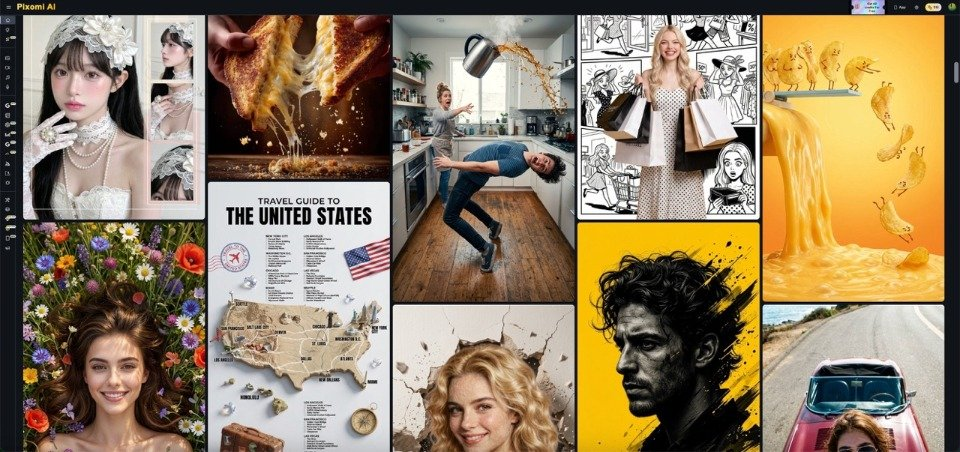
AI-generated imagery may contain convincing but impractical details. A staircase may lack proper support. A facade pattern may ignore joints. Equipment may appear in the wrong location. Reflections, openings, handrails, access routes, and construction sequences may not make technical sense.
For that reason, every presentation should label the image according to its purpose. Terms such as “concept visual,” “illustrative view,” or “early design direction” help prevent confusion. The project team should also avoid placing unverified dimensions, performance claims, certification marks, or safety information inside the generated image.
Technical questions must return to qualified professionals and approved records. The generated image should never be attached as proof that a design has been checked. Structural systems require engineering review. Product applications require manufacturer data and specifications. Accessibility, fire safety, local codes, and site conditions require formal checking. A polished image does not provide evidence that these requirements have been met.
Choose Construction Uses With Low Risk and Clear Value
The best first uses are those where visual communication matters but technical precision is not being promised. A contractor might illustrate the atmosphere of a completed reception area for an internal discussion. A materials company might create a neutral setting around an accurate product reference for a draft brochure. A training team might develop a simple scene showing workers preparing for a toolbox talk, followed by a separate factual checklist.
Avoid starting with high-risk materials such as emergency procedures, structural details, equipment operating instructions, or construction sequences. Errors in those contexts can create more than a presentation problem.
Begin with one low-risk case and assign a reviewer who understands both the project and the audience. Compare the output with the brief, identify inaccurate details, and decide whether the image clarifies the discussion. Ask the reviewer to note what became easier to explain and what still required a drawing, sample, or technical document. Keep those notes with the project brief so the next visual request becomes more precise. The value lies in better communication, not in generating the largest number of options.
Conclusion
AI visuals have a useful place in construction when the team is clear about what they are—and what they are not. They can turn an early description or reference image into material for discussing atmosphere, presentation, and broad visual direction. They cannot confirm dimensions, constructability, compliance, product performance, or engineering safety.
A responsible process begins with one question, separates fixed facts from open preferences, and uses references for a defined reason. The resulting image should be reviewed, labelled as illustrative, and translated into comments for the appropriate design or technical professionals. For the next early-stage meeting, test one low-risk concept question and use the image to improve the brief rather than replace it with an unverified and potentially confusing visual decision.