
Clipboards, sticky notes, and binders can’t keep up with today’s build cycle. Owners and project execs balance razor-thin margins, changing schedules, and constant compliance requirements. One delayed update can devour profit or halt a crew.
The answer? Construction technology.
Construction project management software translates that madness into one real-time command center, allowing you to monitor costs, documents, and teams without bottlenecks.
Types of construction project management software
No single platform solves all jobsite woes, but there are a gazillion programs to ponder adding to your virtual toolbox. Just pair the tool with your role, project size, and workflow.
1. General construction project management software
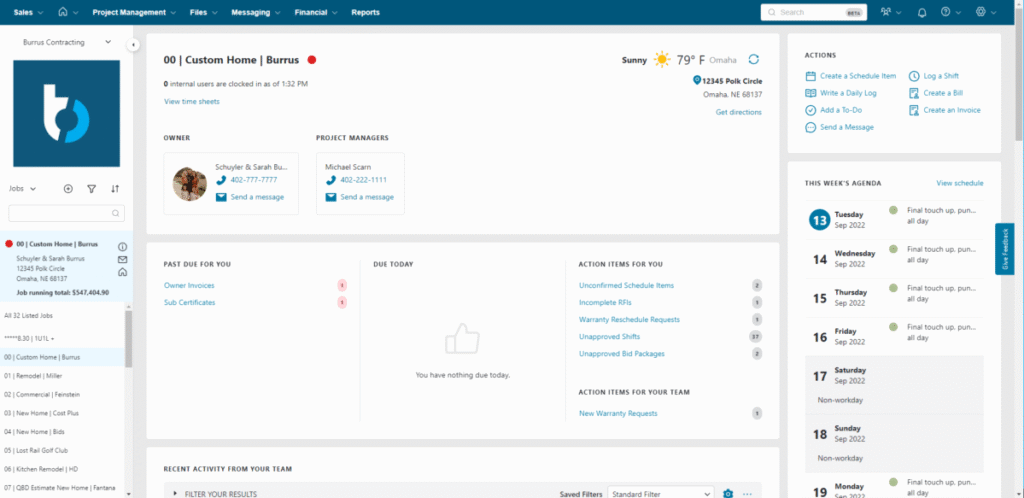
Construction all-in-one project management software is designed to manage every phase of the construction cycle, from design and pre-construction to end-of-project closeout.
Characteristics:
- Scheduling
- Budget tracking
- Change order management
- RFIs
- Document storage
Ideal for: Large commercial developers, contractors, or residential builders with multiple distinct crews.
Ideal tools: Procore, Buildertrend, ServiceTitan
2. Permit management software
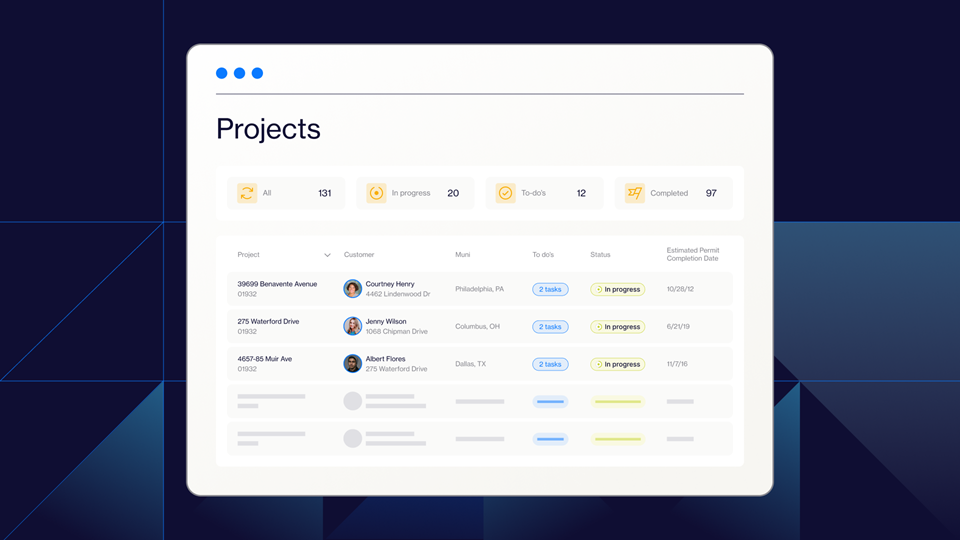
Building departments pace as they will, but your project timeline can’t wait. Permit management software streamlines jurisdictional red tape by making the entire permit approval maze a quick, streamlined process.
Upload some essential documents, and your permit software will construct a code-compliant application, then monitor each submission in real time.
Standard features:
- Precise lists of permits required from any jurisdiction
- Real-time review status dashboards and next steps
- Reminders for deadlines and inspections to avoid expensive slips
- Shared vault for stamped plans, revisions, and approvals
- Multi-project, multi-jurisdiction monitoring from one console
Ideal for: Teams working in multiple municipalities, teams working on multiple permits concurrently
Tp tls: PermitFlw
3. Scheduling and resource planning software
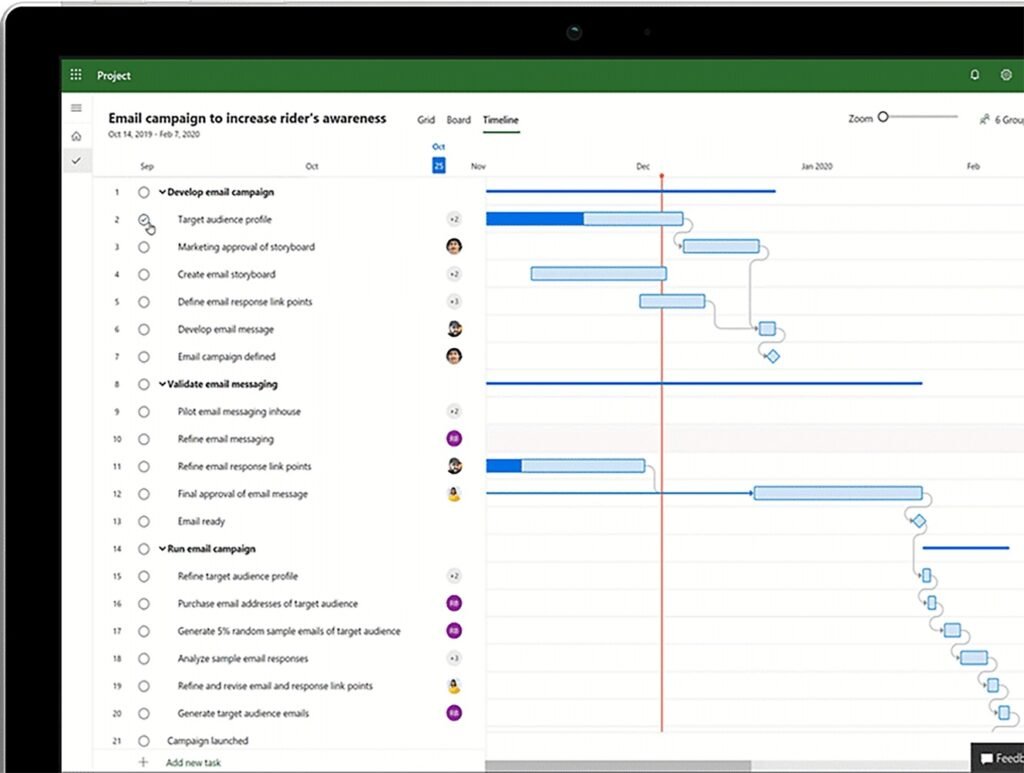
Smart sequencing keeps crews working and equipment operating rather than idle. Construction scheduling and resource planning software coordinates labor, materials, and logistics so every trade can begin on schedule and transfer without interruption, with deliveries timed precisely when they’re necessary.
Standard features
- Drag-and-drop Gantt or CPM schedules
- Workforce & equipment allocating calendars
- Critical-path alerts with look-ahead views
- Mobile dispatch and time-tracking for field crews
Ideal for: Big developers, contractors with multiple subcontractors to coordinate
Tls of choice: Microsoft Project, Smartsheet for construction
4. Daily reporting and field communication apps
These apps make all smartphones a command center for the job site, pushing information in real time from the field to the office.
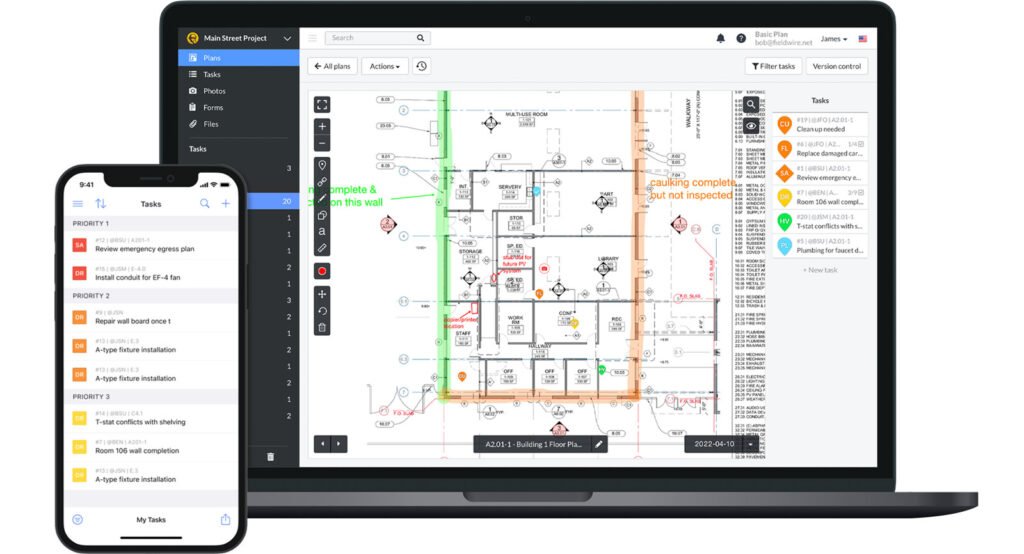
Crews can take geotagged photos, speak dictation for daily logs, and mark up issues the moment they occur. Managers at headquarters view live dashboards monitoring production, labor time, and schedule slips, enabling them to approve RFIs, redirect resources, or alert subs before labor comes to a stop.
Standard features
- Vice-t-text daily logs and instant photo uploads
- Plan-pinned issue/RFI tagging with push notifications
- Safety and inspection in checklists that function offline
- Automated owner and inspector PDF reports
Great for: Large crew solar field installers, contractors with multiple subcontractors on many projects
Popular tools: Fieldwire, Raken
5. Estimating and bid management software
These sites assist with takeoffs, bid preparation, and cost estimating to make it simpler to acquire new work and quote customers as accurately as possible.
Typical features
- n-screen takeoffs with aut-measure tls
- Cst libraries and markup calculators linked to current pricing
- Bid package creation, comparison, and version tracking
- Change-order and variance logs to protect margins
- Great for contractors who bid on multiple projects in a month
- Popular tools: STACK, Huzz Pr
Benefits of construction project management software
The right construction software pays for itself and keeps compounding value over time. From day one you’ll see fewer delays and clearer costs; over time you’ll unlock data-driven bids, tighter margins, and a reputation for finishing on schedule.
Workflow coordination between teams
Hand out assignments, track progress, and keep everyone—from the office to the field—on the same page. This automates manual coordination, saving hours of phone tag and avoiding expensive miscommunication.
Seamless integrations
When your tools and systems “talk” to one another, you cut out time-consuming manual labor and keep projects moving swiftly.
Integrations allow you to establish effective automations that save your team from needing to individually mark milestones or change project statuses within a number of systems.
Quicker, more accurate permitting
Optimal permit software automates submissions, minimizes errors, and keeps approvals on track. That’s invaluable in projects where permitting regulations can change from one governing authority to the next and stringent schedules leave no time for red tape.
Real-time communication and status updates
Receive live updates from your work sites. Field crews can report issues, take photographs, and enter inspections directly into a platform, providing project managers with quicker visibility and the potential to act quickly if needed.
Streamlined documentation and data management
Gone are the days of disorganized files and out-of-date versions. Keep contracts, permits, change orders, and punch lists all in one safe place.
Cost and time savings
Avoid costly delays and overruns with more accurate forecasting, tighter scheduling, and real-time budget tracking. You’ll also improve cash flow with faster invoicing and payment processing.
Scalability
Whether you’re a sole contractor or managing dozens of concurrent builds, construction project management software grows as your team grows. Many tls ffer flexible pricing tiers and role-based permissions to fit different business needs and sizes.
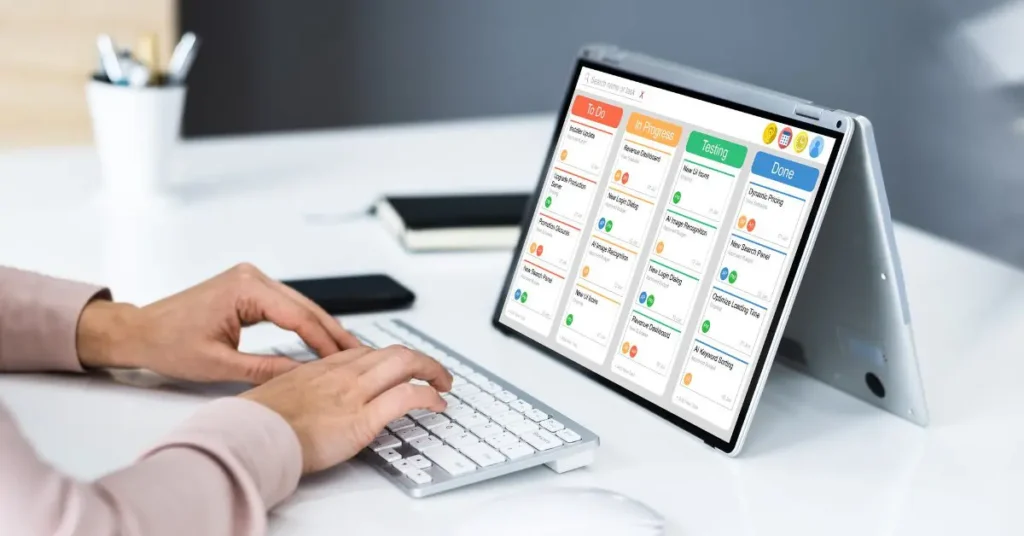
How to select the top construction project management software
Begin by lining up your pain points, then vet each contender against the realities of your job sites.
Identify the choke point.
Permits jamming kickoffs? Look for automated jurisdiction checks and real-time submission tracking.
Crew coordination lagging? Prioritize apps with live chat, daily-log capture, and instant photo uploads.
Demand seamless integrations.
Your tools should all communicate with each other and integrate smthly int yur CRM s data moves rather than fragments.
Design pocket-first mobility.
Field teams live on phones. Select an app that loads in seconds, is offline-capable, and makes updates in a few taps.
Expect stellar support.
Slide onboarding, timely chat, and an extensive tutorial library minimize adptin csts and features remain fully utilized.
Match features to each role.
Developers want portfolio dashboards and forecast reports, but builders might yearn for detailed cost codes and rock-solid change-order control. Survey all stakeholders prior to signing.
Simplify projects, streamline permitting, and grow your business.
Paper logs and dispersed spreadsheets wn’t fly in today’s won’t construction companies. Construction management software makes every task, permit, and message part of a single, living blueprint crews remain active, budgets remain firm, and deadlines remain imminent.
From large-scale developers to tiny GCs with a few subs to manage, there’s a platform designed for your workflow.