In today’s fast paced world, whether it’s a short Instagram reel or a brand story, it’s become the convenient way to connect with people. The only problem? Good editing still scares a lot of folks off , it feels complicated, expensive, and time-consuming.
That’s where FlexClip changes the game. It’s a clean, browser-based video maker that anyone can pick up in minutes. No giant downloads, no confusing tools — just simple, effective editing. Created by PearlMountain Limited, the platform has already attracted more than 40 million users worldwide who just want to make professional-looking videos without losing an entire weekend to it.
What Exactly Is FlexClip?
FlexClip is like a straightforward online studio that anyone can jump into. You can trim, merge, and fine-tune your clips, then add music, text, or voiceovers — all directly from your browser. It’s fast, easy, and doesn’t require any special setup or downloads.
On top of that, it offers over 6,000 ready-made templates and access to millions of stock videos, photos, and music tracks, making it easy to create polished videos in no time.
The drag-and-drop editor is super simple to use, so anyone — whether you’re a teacher, freelancer, or marketer — can create great-looking videos without any design or editing skills.
Editing Without the Headache
FlexClip has everything you need to put together great-looking videos without the hassle. You can easily cut, split, or combine clips in just a few clicks, change the speed, and add smooth transitions or effects to give your video a professional finish. There’s even a green screen tool if you want to get creative and try something fun.
A Library That Feels Endless
One thing FlexClip nails is its collection of built-in media. With 4 million+ stock assets — videos, photos, audio — plus thousands of text styles, transitions, and elements, you rarely need to go hunting elsewhere.
FlexClip is perfect for making quick social posts, product demos, or event highlight videos. Just choose a template, customize it to match your style, and you’re good to go — your video’s ready in minutes.
Work Anywhere, Anytime
Because FlexClip runs entirely online, there’s no need to worry about transferring files or running out of space. You can start editing on your laptop, continue later on another device, or even collaborate with your team in real time.
Plus, you get up to 100GB of cloud storage, which is plenty for most creators. Once you’re done, you can export your video in any format you need — from square clips for Instagram to widescreen projects — even in crisp 4K quality.
Why People Like It
FlexClip is easy enough for beginners to pick up but strong enough to handle bigger, more detailed projects too. The interface is clean, fast, and refreshingly simple — without all the extra buttons and clutter you usually see in editing software.
For most people, it just works — open it in your browser, drop in a few clips, and you’ll have a ready-to-share video in no time.
New AI Features: Smarter, Faster Editing
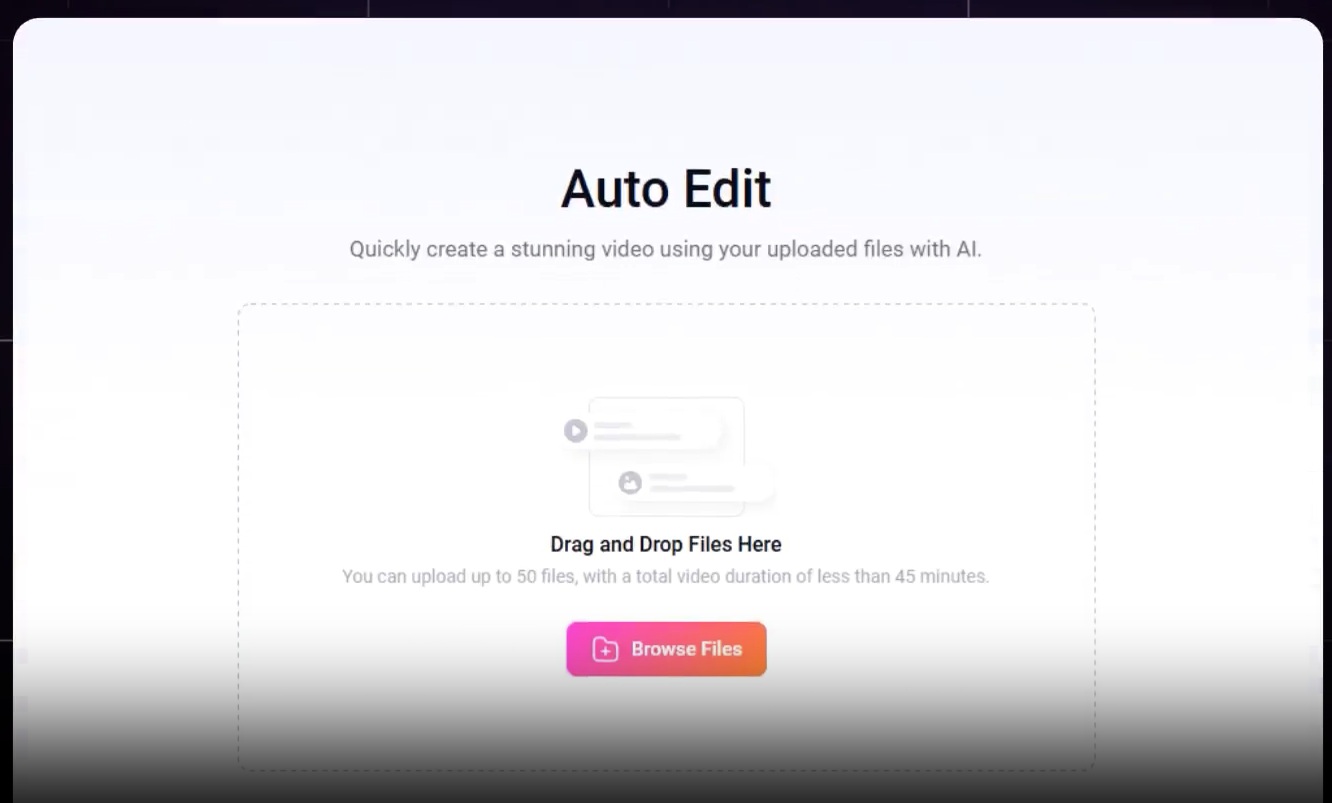
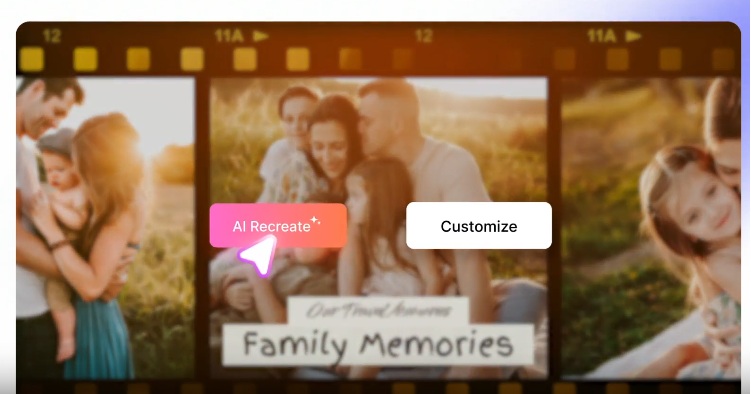
This November, FlexClip added two new AI tools that are already getting attention — AI Recreate and Auto Edit. They’re both live now at flexclip.com/ai-video-magic.
AI Recreate: Turn Ideas Into Videos Instantly
AI Recreate is perfect for anyone who wants to make a video quickly without spending hours editing. Just upload your clips or photos, and the AI does the rest — it arranges everything, adds smooth transitions, matches the right music, and turns it into a polished video.
You can still tweak things if you’d like, but most of the heavy lifting is already done. It’s great for quick marketing videos, event highlights, or product promos. And the best part? You can export your finished video in crisp 4K quality — pretty impressive for something that runs right in your browser.
How it works:
- AI studies your files and picks the highlights
- Automatically edits and combines your videos and images
- Adds captions that enhance your story
Auto Edit: The Quiet Time Saver
Auto Edit takes care of all those small, repetitive tasks — trimming clips, syncing the timing, and keeping everything flowing smoothly. It’s one of those behind-the-scenes features that quietly makes your workflow faster without you even realizing it, freeing you up to focus on the creative parts instead.
FlexClip says users are now editing up to three times faster, with 95% reporting a smoother overall experience. And honestly, that makes sense — the best automation is the kind you barely notice, and this feature nails that perfectly.
Features:
- Thousands of ready-to-use templates
- AI automatically matches clips and captions
- Easily fine-tune videos with the flexible editor
- Export in crisp 4K quality
Why Creators Love FlexClip AI
- 3x faster video creation for every user
- 95% of creators report improved workflow efficiency
- 20M+ videos produced with AI assistance
Smarter Text-to-Video AI
FlexClip’s text-to-video feature recently got a serious upgrade. It now uses some of the latest AI models — Kling 2.5 Turbo, Sora 2, Sora 2 Pro, Google Veo 3 Fast, and Veo 3.1. What that really means is your videos now look cleaner, move more naturally, and tell your story in a smoother, more lifelike way when you turn simple text into video.
Who It’s For?
FlexClip fits almost everyone — teachers, marketers, small business owners, YouTubers, even event planners. It’s great for:
- Promo and marketing videos
- Social media content
- Invitations, slideshows, and montages
- Wedding or birthday edits
- Short professional projects
It also includes helpful tools like Text-to-Speech, Auto Subtitles, and a Screen Recorder, so it feels more like a complete creative studio than just a simple video editor.
FlexClip isn’t built to be complicated , it’s built to be genuinely useful. And honestly, that’s what most creators need. With its growing AI toolkit, massive resource library, and no-download design, it’s making video creation faster and a lot less stressful.
If you’ve ever wanted to make videos that look great without spending days learning software, FlexClip might just be the most approachable option out there. Simple, reliable, and surprisingly smart, it’s a refreshing take on modern video editing.